Describe a picture. Get it.
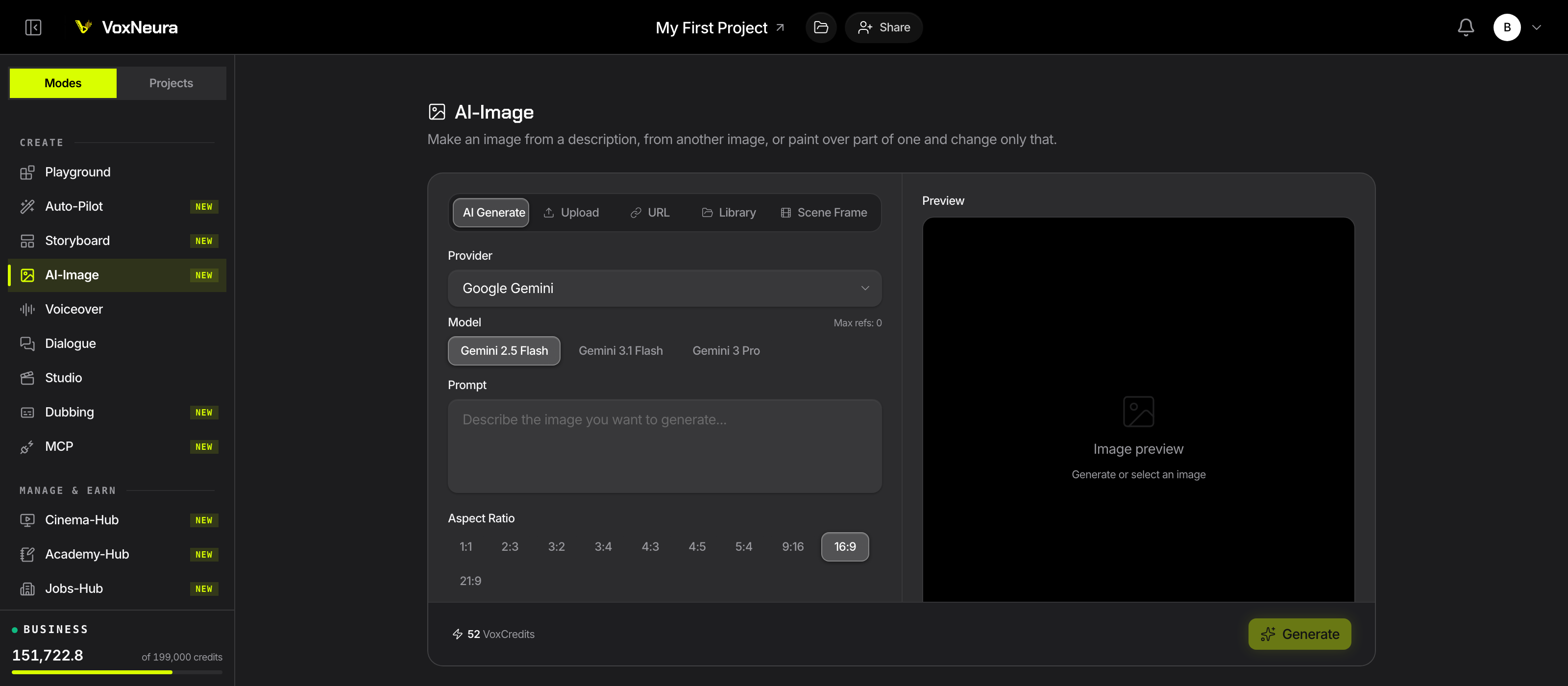
Make an image from a sentence, turn one picture into another, or paint over part of a photo and change only that part. Everything you make is saved and ready to use in your videos.
Say it in a sentence
Write what you want to see. No prompt tricks, no jargon, no settings you have to understand first.
Change one thing, keep the rest
Paint over a label, a background, or a face, describe the replacement, and the rest of the picture stays exactly as it was.
Two models, one place
Google Gemini and OpenAI side by side. Switch between them without leaving the page or learning a second tool.
Made for your videos
Every picture is saved automatically, ready to use as a character, a product shot, or an opening frame in Auto-Pilot, Storyboard and Studio.
How it works
Describe it
Type what you want to see and pick a shape and size. The cost is shown before you generate.
Make it yours
Happy with it, or start from it: use it as a reference for a variation, or paint over a part you want changed.
Use it anywhere
Download it, or pick it up in Auto-Pilot, Storyboard or Studio as a character or a starting frame.